
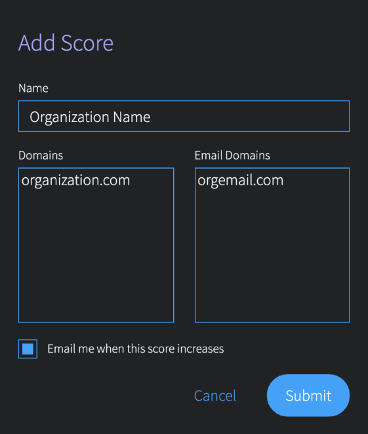
At initial setup, scores will be generated for the previous month, and will continue to generate weekly.
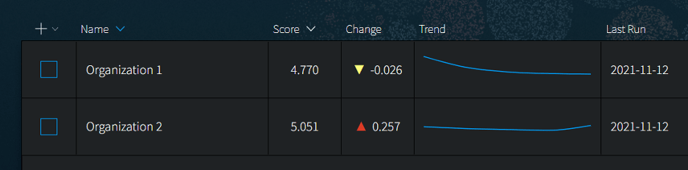
Once you have set up scores, you will see them in the main table. For each score, the main table displays the current score, when it was last run, the change from the previous score run, as well as a trend line. Click on any row in the table to see details for that entry.