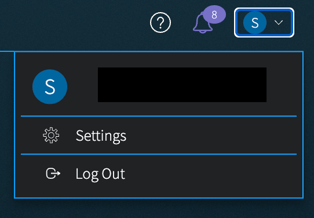
Click on the User icon in the upper right corner to access your Settings, which includes a Profile page and Activity page. You can also use this menu when you’re ready to log out of Vision UI and end the active session.
On the Profile page, you can manage these options:
- In the Basic Information section: Optionally add your first and last name.
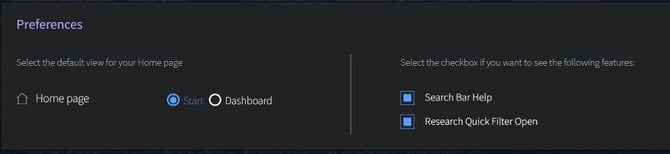
- In the Preferences section: Select a default view for your Start page. This allows you to select which landing page on which you prefer to start after log in.
- In the Preferences section: Toggle on/off Search Bar Help prompts or the Quick Filter menu (in the Research section).
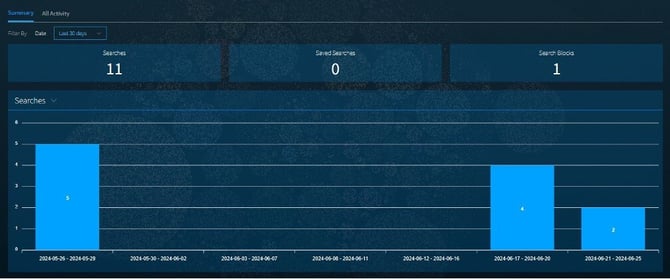
On the Activity page, once you start working in Vision UI, you will see a summary of Recent Searches performed, Saved Searches created, or Search Blocks created. Click on the All Activity tab to see the details of these activities, including time performed.